
How to Host a Virtual Bingo Fundraiser
A virtual bingo fundraiser is one of the easiest and most profitable online events your group can run. There's no venue to rent, no equipment to buy, and no printing, everyone plays from their phone or laptop while you call the game live. Whether you're raising money for a school, a nonprofit, a sports team, or a church group, bingo brings people together and gives them a reason to donate.
This guide walks you through exactly how to plan, set up, and run a virtual bingo fundraiser from start to finish.
For a quick overview of free group play with any audience, see Free Online Group Bingo.
Why bingo works so well as a fundraiser
Bingo is one of the few activities that works for every age and every group size at once. A few reasons it's such a reliable fundraiser:
- It's cheap to run. No hall, no caller equipment, no paper cards. Your only real cost is the prizes, and those are often donated.
- Everyone already knows how to play. There's no learning curve, so people join and start having fun immediately.
- It's social. A live caller and a shared game create the energy of an in-person event, even when everyone is at home.
- It's flexible. You can run it for 20 people or 200, over a single round or a whole evening.
Step 1: Pick your date, platform, and format
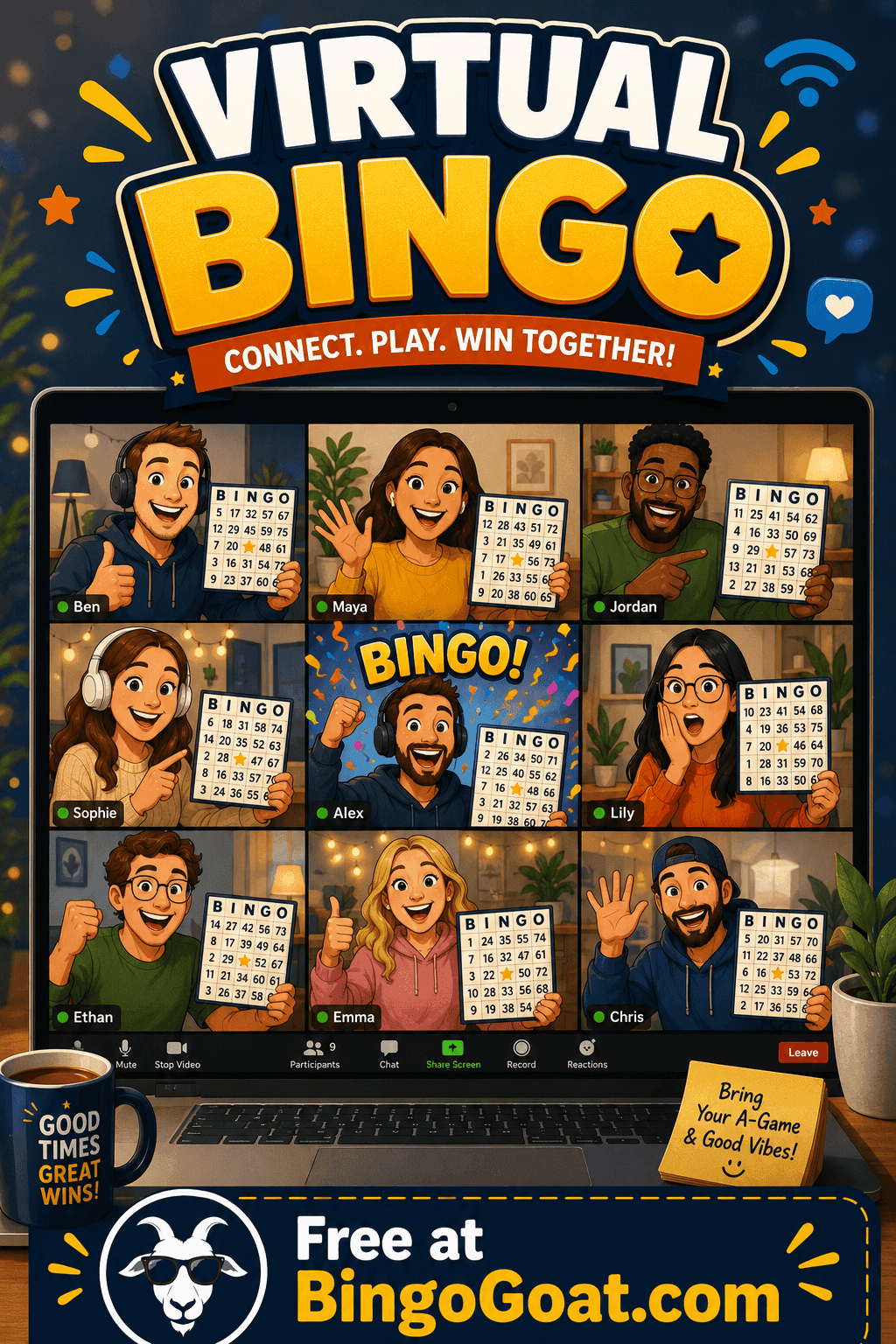
Decide when you'll hold the event and how people will gather. Most virtual bingo fundraisers run alongside a video call, Zoom, Google Meet, or a Facebook/YouTube live stream, so players can see and hear the host calling the game in real time. The video call is just for faces and voice; the bingo itself runs separately so nobody has to fumble with paper cards. For a step-by-step Zoom setup, see How to Host Virtual Bingo on Zoom.
Pick a clear start time, plan for 45–90 minutes, and decide how many rounds you'll play.
Running bingo for your company team without a fundraising goal? See our guide to How to Host a Virtual Bingo Night for Your Company.
Step 2: Decide how you'll raise the money
This is the part that turns a fun game into a fundraiser. Common approaches, which you can mix and match:
- Suggested donation per card. Ask for a set donation (say $5–$10) for each player who joins. This is the simplest model.
- Sponsor a round. Local businesses sponsor individual rounds or prizes in exchange for a shout-out during the event.
- Donation tiers for prizes. Bigger donors get entered into a prize raffle on top of the bingo.
- Pay-to-play extras. Offer a small donation to "buy" a second card and double a player's chances.
Set up a simple way to collect donations, a fundraising page, a payment link, or a donation button, and share it before and during the event.
Step 3: Set up your bingo game
This is where BingoGoat does the heavy lifting. Instead of printing and mailing cards, you create the game once and everyone joins by link:
- Create a free game and choose your theme, numbers, or custom words tied to your cause.
- Customize the cards (you can theme them to your school, team, or charity).
- Hit launch and share the join link or game code with your players.
Players open the link on any device, enter their name, and get a unique card automatically. No app to download, no account to create, which keeps the barrier to entry at zero and gets more people playing (and donating).
Step 4: Promote your event
Give people enough notice and an easy way to sign up. Send the date and donation link through email, your group's social channels, and any newsletters. A simple graphic with the date, time, and "how to join" details goes a long way. Remind everyone the day before and an hour before you go live.
Step 5: Run the event
When it's go-time:
- Open your video call and welcome everyone.
- Share the BingoGoat join link/code on screen and in the chat.
- Once players have joined, start calling. BingoGoat shows you the called numbers and handles verification, so you can focus on hosting.
- When someone gets bingo, verify the win on screen and celebrate it live, this is the moment that makes the event feel real.
- Run as many rounds as you planned, and remind players of the donation link between rounds.
Step 6: Collect donations and say thank you
After the event, send a thank-you message to everyone who joined, share how much you raised, and tell them what the money will support. People give again when they can see their impact, and a great virtual bingo night is something they'll want to come back to.
Tips for a smooth virtual bingo fundraiser
- Do a test run. Create a practice game and join it from a second device so you know exactly what your players will see.
- Have a co-host. One person calls the game, the other watches the chat and helps anyone who's stuck joining.
- Keep prizes simple. Gift cards, donated items, or just bragging rights all work.
- Theme the cards. Custom word cards about your cause make the game feel personal and on-brand.
Frequently asked questions
How do players join a virtual bingo fundraiser?
They click a link or enter a game code, that's it. The card loads in their browser on any phone, tablet, or computer.
Do players need to download an app or create an account?
No. Players join as guests with just their name. No app, no signup, no friction.
How many people can play?
You can run a game for a small group for free, and scale up for larger fundraisers. Bigger events are supported as your group grows.
Is it free to host?
Yes, you can create and host a bingo game for free, which is exactly what makes it such a low-cost fundraiser.
Can we customize the cards for our cause?
Yes. You can theme the cards with custom words related to your school, team, or charity to make the event feel personal.
Ready to host your virtual bingo fundraiser?
You don't need any special equipment or experience, just a date, a donation link, and a game your group can join in seconds. Create your free bingo game on BingoGoat and start planning a fundraiser everyone will actually look forward to.